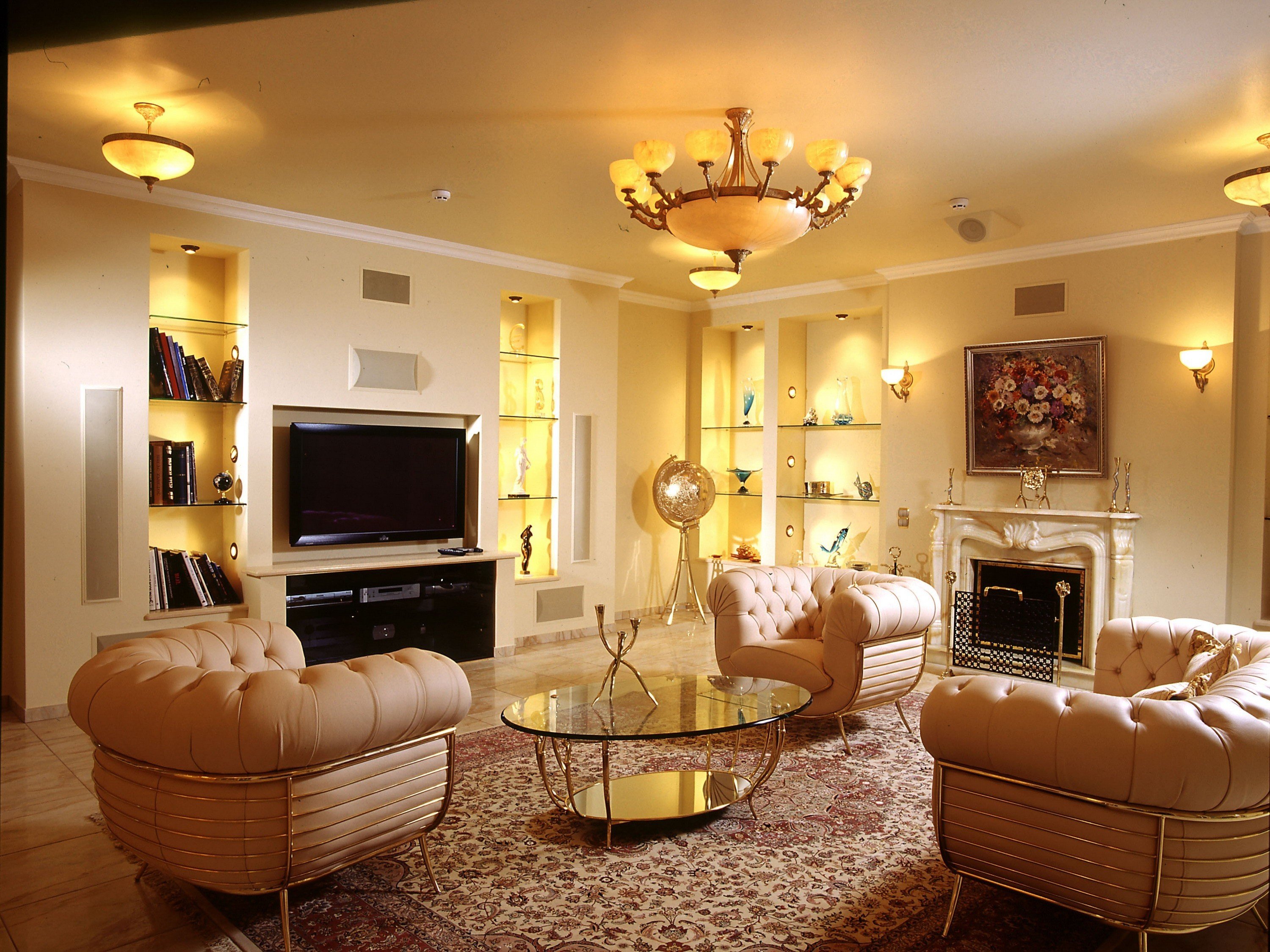
You’ve probably been there. You spend four hours on a Saturday hunched over a laptop, dragging a virtual velvet sofa across a digital floor that looks suspiciously like your actual living room. It feels like playing a high-stakes version of The Sims. But then you hit "render," and the lighting looks like a nuclear explosion, or the scale is so far off that your coffee table looks like a postage stamp. Most people think home decor design software is a magic wand that solves spatial awareness issues. Honestly? It’s usually just a very sophisticated way to realize your favorite rug clashes with your baseboards before you spend $900 on it.
Interior design used to be a gatekept industry. You paid a professional to show up with a leather-bound portfolio and a tape measure. Now, anyone with a decent Wi-Fi connection and an iPad can access the same CAD-based engines that architectural firms use. But there's a learning curve that most "Top 10 App" lists won't tell you about.
The Great Divide: Browser Tools vs. Pro Engines
If you’re just trying to see if a sectional fits in your condo, you don't need AutoCAD. You really don't. Most casual users gravitate toward tools like Planner 5D or HomeByMe. These are basically the gateway drugs of the design world. They’re easy. You draw a box, tell it the ceiling height is nine feet, and start "shopping" from their built-in catalogs.
The problem? Most of these browser-based tools use generic assets. That "mid-century modern chair" in the software isn't the specific West Elm one you’re eyeing. It’s a "sorta-similar" approximation. This is where people get burned. If the software’s chair is 30 inches wide but the real one you buy is 34 inches, your walkway just disappeared. Professionals usually lean toward SketchUp or Autodesk Revit. SketchUp is the industry darling because it’s incredibly flexible, but let’s be real: the learning curve is a vertical cliff. If you don't understand how "layers" or "components" work, you’re going to end up with a 3D model that looks like a glitch in the matrix.
Why 3D Rendering Is Often a Liar
We need to talk about light. Light is everything in a room. It’s the difference between a cozy sanctuary and a sterile dentist’s office. Most mid-range home decor design software struggles with what’s called "Global Illumination."
In the real world, light bounces. It hits your hardwood floors, picks up a warm brown tint, and reflects onto your white walls. Cheap software doesn't do that. It just applies a flat "brightness" value. This is why your digital design looks "clean" but your actual room feels "off." If you’re serious about seeing how your space will feel at 4:00 PM on a Tuesday in November, you have to look for software that supports ray tracing. This is the same tech used in high-end gaming and Pixar movies. Tools like Enscape or Twinmotion plug into design software to simulate actual photons. It’s overkill for a bathroom refresh, but for a full-scale remodel? It’s the only way to avoid surprises.
The Augmented Reality Gimmick
You’ve seen the ads. Point your phone at the floor, and a digital chair appears. IKEA Kreativ and the Amazon Room Decorator tool are the big players here. They use ARKit or ARCore technology to "pin" furniture to your floor.
It’s fun. It’s also wildly inaccurate for measuring.
AR depends on your phone’s camera identifying the floor plane. If your lighting is dim or your floor is a high-gloss tile, the software gets confused. The chair will "drift" or appear to be floating three inches in the air. Use AR for "vibe checks"—to see if a navy blue sofa is too dark for the space. Do NOT use it to decide if a sideboard will fit between two doors. Use a physical tape measure for that. Every time.
Breaking Down the Big Players (Without the Fluff)
I've spent hundreds of hours in these programs. Here is the unvarnished truth about what actually works in 2026.
SketchUp (Pro and Web) It is the gold standard for a reason. You aren't limited to a catalog. You can literally "draw" a custom built-in bookshelf down to the millimeter. The downside is that it starts as a blank white void. It provides zero creative direction. If you have no design sense, SketchUp will just help you build a very accurate, very ugly room.
Floorplanner This is probably the best balance for most people. It’s incredibly fast for 2D layouts. If you’re moving into a new apartment and need to know if your current furniture fits, this is the winner. The 3D view is "fine," but it’s the 2D "bird's eye" logic that makes it stick. It handles walls and openings much more intuitively than the mobile apps.
Chief Architect This is for the person who is actually acting as their own general contractor. It’s less about "decor" and more about "how is this house held up?" It generates framing plans and roof schedules. If you’re just picking paint colors, stay away. It’s too much power for a simple redecoration project and the interface looks like it’s from 2004.
Canva (The Dark Horse) Wait, what? Yeah. A lot of interior decorators are moving away from 3D renders for the initial "mood" phase and just using Canva's background remover. They take a photo of the client's room, strip out the old furniture, and layer in PNGs of new items. It’s a 2D collage. Surprisingly, this often communicates the "feeling" of a room better than a cold, robotic 3D render ever could.
The Accuracy Trap: The "Millimeter" Problem
Here is a mistake I see constantly. Someone uses home decor design software and forgets to account for baseboards. Or windowsills. Or the fact that no wall in the history of human construction is perfectly plumb.
If your software tells you that you have exactly 60 inches for a vanity, and you buy a 60-inch vanity, it won't fit. You need "filler" space. Professionals use software to find the problems, not just to make pretty pictures. You should be looking for "clash detection." Does the cabinet door hit the pendant light when it opens? Does the rug overlap the floor vent? If your software isn't helping you answer those specific, annoying questions, it's just a toy.
AI is Changing Everything (But Not How You Think)
We’re seeing a massive influx of generative AI in this space. Tools like REimagineHome or Interior AI allow you to upload a photo of your messy bedroom and "restyle" it in seconds.
It’s tempting. But be careful. These tools are notorious for "hallucinating" architecture. They might turn a window into a painting or add a structural column where none exists. They are incredible for inspiration—basically Pinterest on steroids—but they are terrible for actual planning. You cannot take an AI-generated image to a contractor and say "build this." They will laugh at you because the AI doesn't care about load-bearing walls or plumbing stacks.
The real value of AI in design software right now is automated floor plan generation. Some new apps let you walk through your house with your phone, and using LiDAR, they build a 3D model automatically. Polycam and Canvas.io do this remarkably well. It turns a two-hour measuring job into a five-minute walk. That is a genuine game-changer.
How to Actually Use This Stuff Without Losing Your Mind
If you're starting a project, don't just dive into a 3D tool. You’ll get bogged down in picking virtual pillows and forget to check if you can actually walk around the bed.
- Measure the "Hard" Bits: Use a laser measure. Record the distance from the floor to the bottom of the window. Note where the outlets are. Most people forget outlets. Then they realize their new headboard covers the only place to plug in a lamp.
- Start in 2D: Use something like Floorplanner to get the footprint right. This is where you solve the "traffic flow" issues. If you have to shimmy past the dining table to get to the kitchen, the design fails.
- The "Vibe" Layer: Once the layout is locked, move to the visual stuff. This is where you use the high-end renders or AR tools.
- Verify with Samples: No screen can accurately represent "Greige." Every monitor has different color calibration. Use the software to narrow it down to three choices, then buy the actual paint pots.
The Cost of "Free"
Most "free" home decor design software is really just a sophisticated lead-generation tool for furniture brands. If you're using a free app provided by a retailer, realize their goal isn't necessarily to give you a well-designed home—it's to sell you that specific sectional. These apps often restrict you from importing items from competitors. This creates a "walled garden" effect where your room looks great in the app, but only if you buy every single piece from one store. That’s not design; that’s a showroom.
If you want unbiased results, you usually have to pay. Whether it’s a subscription to Morpholio Board or a one-time license for RoomPlanner, paying for the software usually means you own the data and can import objects from anywhere on the web.
Putting It Into Practice
Don't let the "perfection" of digital renders paralyze you. The goal of using software is to make your inevitable mistakes virtually rather than physically. It's much cheaper to delete a digital wall than to sledgehammer a real one.
Start by downloading a LiDAR scanning app like Polycam (if your phone has the sensor) to get your base measurements. Import that "shell" into a mid-range tool like HomeByMe. Focus entirely on the "clearance" zones—the empty spaces where people actually move. Once the movement feels right, then, and only then, start worrying about the color of the throw pillows. Design is a process of subtraction as much as addition. If the software makes the room feel crowded, it will feel twice as crowded in real life. Trust the dimensions, not the "pretty" lighting effects.
Get your measurements into a 2D plan today. Don't worry about 3D until the 2D layout works perfectly. Once you have a floor plan that allows for 36 inches of walkway space throughout, you’ve already done more than 90% of DIY decorators. Focus on the flow first, and the aesthetic will follow much more easily.